
Little Nightmares 1 Game – Overview – Free Download – PC – Free – Specs – Screenshots
Type of game: Puzzle-platformer, Survival horror
PC Release Date: April 28, 2017
Developer/Publishers: Tarsier Studios, BANDAI NAMCO Entertainment
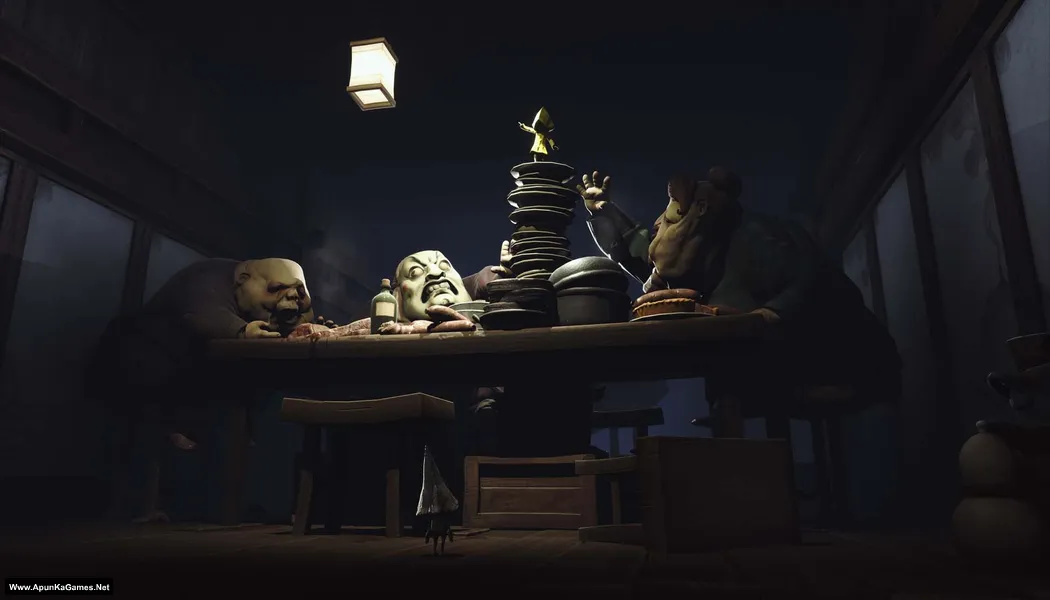
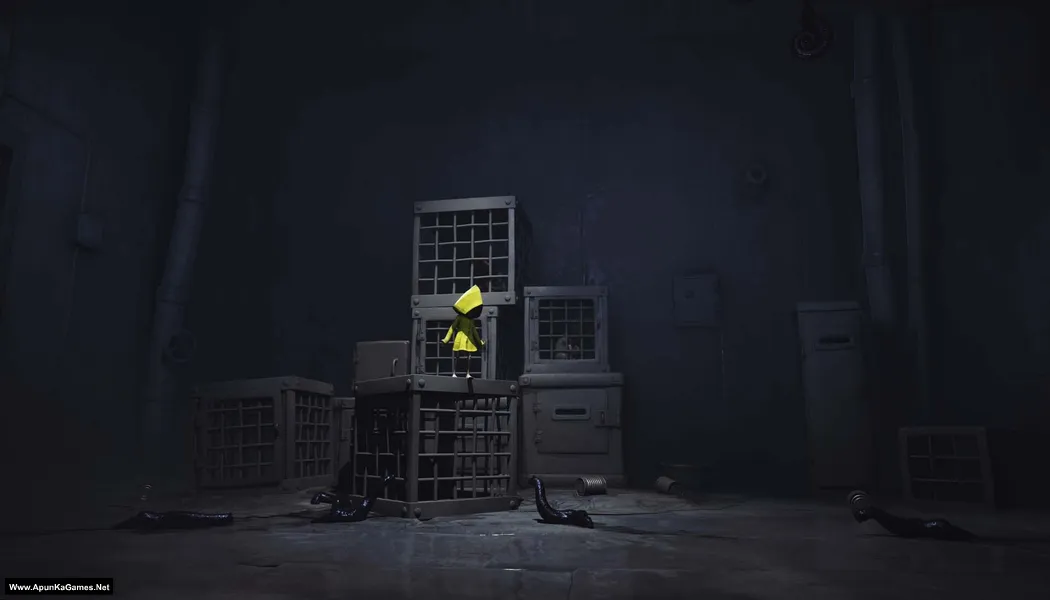
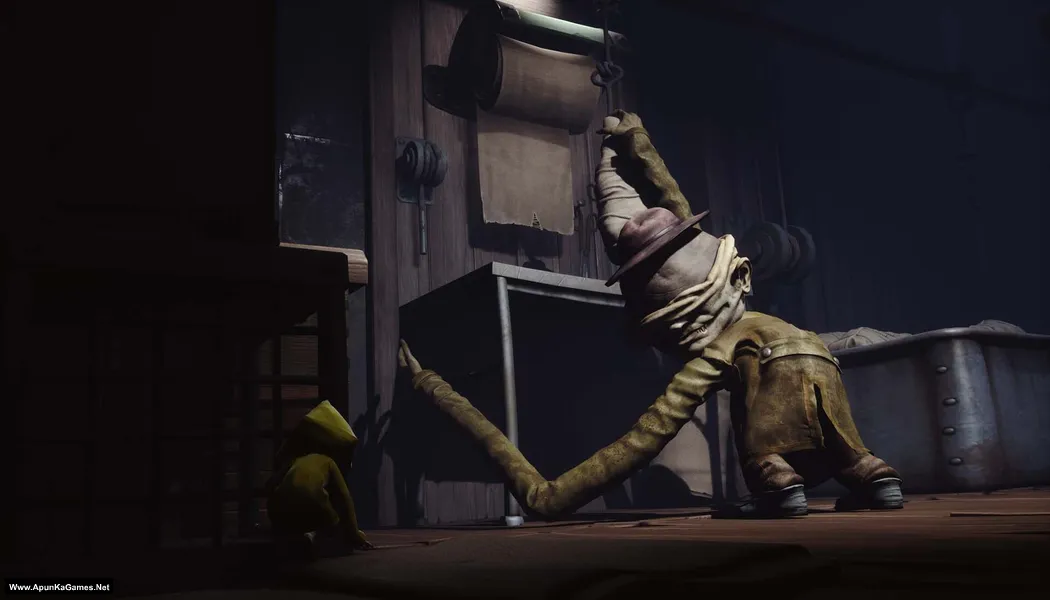
Little Nightmares (2.37 GB) is a Survival Horror game. Developed by Tarsier Studios and published by Bandai Namco Entertainment. It was released on April 28, 2017 for Windows. Little Nightmares is a dark puzzle-platformer where players guide a small child named Six through a terrifying world filled with traps and strange creatures. Explore eerie environments, solve puzzles, and avoid monstrous enemies while uncovering a mysterious story. The gameplay blends stealth, platforming, and horror atmosphere, delivering a gripping PC adventure experience.
Type of game: Puzzle-platformer, Survival horror
PC Release Date: April 28, 2017
Developer/Publishers: Tarsier Studios, BANDAI NAMCO Entertainment
Little Nightmares (2.37 GB) is a Survival Horror game. Developed by Tarsier Studios and published by Bandai Namco Entertainment. It was released on April 28, 2017 for Windows. Little Nightmares is a dark puzzle-platformer where players guide a small child named Six through a terrifying world filled with traps and strange creatures. Explore eerie environments, solve puzzles, and avoid monstrous enemies while uncovering a mysterious story. The gameplay blends stealth, platforming, and horror atmosphere, delivering a gripping PC adventure experience.
Before downloading make sure that your PC meets minimum system requirements.
Minimum System Requirements
- OS: Windows 7 (64-Bit)
- CPU: Intel CPU Core i3
- RAM: 4 GB
- Hard Drive: 10 GB available space
- Video Card: Nvidia GTX 460
- Network: Broadband Internet connection
- DirectX: Version 11
Screenshots
How to Install?
- Extract the file using Winrar. (Download Winrar)
- Open “Little Nightmares” folder, double click on “Setup” and install it.
- After installation complete, go to the folder where you extract the game.
- Open “CODEX” folder, copy all files and paste it where you install the game.
- Then “Atlas” >> “Binaries” >> “Win64”, double click on “LittleNightmares.exe” to play the game. Done!
Complete Installation Video Tutorial?
We provide complete game installation videos to guarantee that every game works perfectly. Unlike other websites where you download blindly and hope for the best, we show you real proof. Our step-by-step installation videos clearly demonstrate the game running successfully, so you know exactly what you’re getting. With us, there’s no guesswork—only verified, 100% working games you can trust.
Trust / Proof
- 100% Working – Tested by Us
- Game Verified Before Upload
- Working Gameplay Shown
- No Fake Files
- Installed Successfully on Our PC
How to Download?
If your don’t know how to Download this game, just Click Here!
Little Nightmares Download
Download in Single Link
Click Here
–
Download in 600MB Parts
Click Here
Game Size: 2.37 GB
Password: www.apunkagames.net or apunkagames
Download in Single Link
Click Here
–
Download in 600MB Parts
Click Here
Game Size: 2.37 GB
Password: www.apunkagames.net or apunkagames

Thank you so much for this
You’re welcome. We appreciate it! keep enjoying!
please can i get road rush?
You mean Road Rush (2024) steam or Road Rash (1994) game?
1994 game
I think it’s 1994 Road Rash… Click Here
it says could not find any cd-rom
Do these step when installation is completed 100%.
01. After installation complete, go to the folder where you extract the game.
02. Open “CODEX” folder, copy all files and paste/overwrite it where you install the game.
03. Then “Atlas” >> “Binaries” >> “Win64”, double click on “LittleNightmares” icon to play the game. Done!
i downloaded in 5 parts should i extract only part 1 or all 5 parts
You should download all 5 parts completely, then keep them in one folder, and finally extract only Part 1. The rest of the parts will be automatically used during extraction. Make sure none of the parts are missing or incomplete, otherwise the extraction will fail.
bro im trying to download little nightmares 1 but its not working its saying privacy error please fix it i love this game so much
Brother link is working fine check now!
wow ty sir
You’re very welcome, brother! ❤️😊 Thank you for your support. Enjoy the game, and stay tuned—more games and updates are coming soon. Happy gaming! 🎮